SUMIRE FULL
A little more possibility.
Japanese input, plus zenz AI conversion, Gemma translation and actions, and handwriting input.
Additional features and required models depend on your device, settings, and app version.
Get it on Google PlayANDROID JAPANESE KEYBOARD
A Japanese keyboard for Android, shaped around you.
Your layouts, your words, your personal touch.
MEET YOUR KEYBOARD
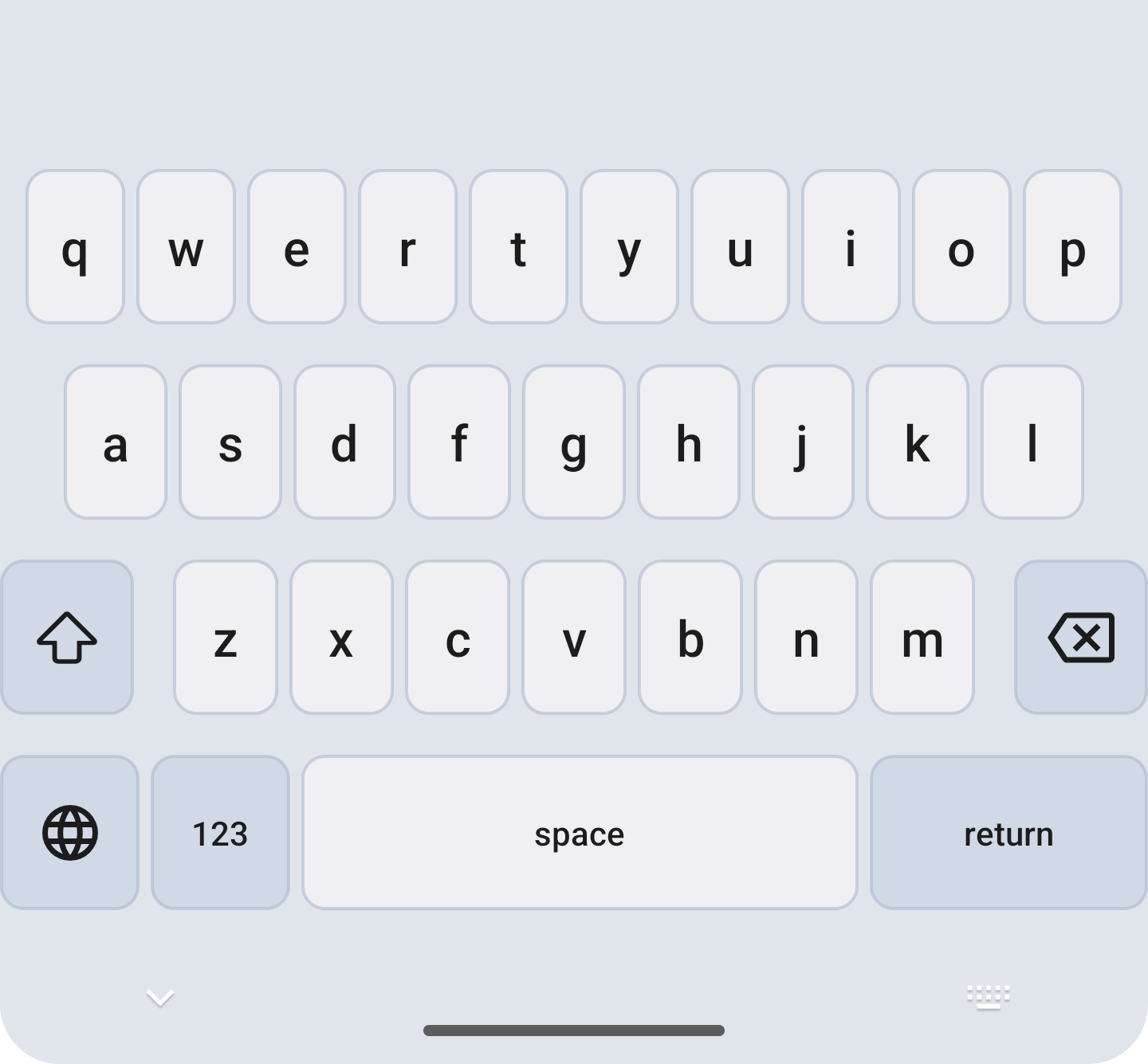
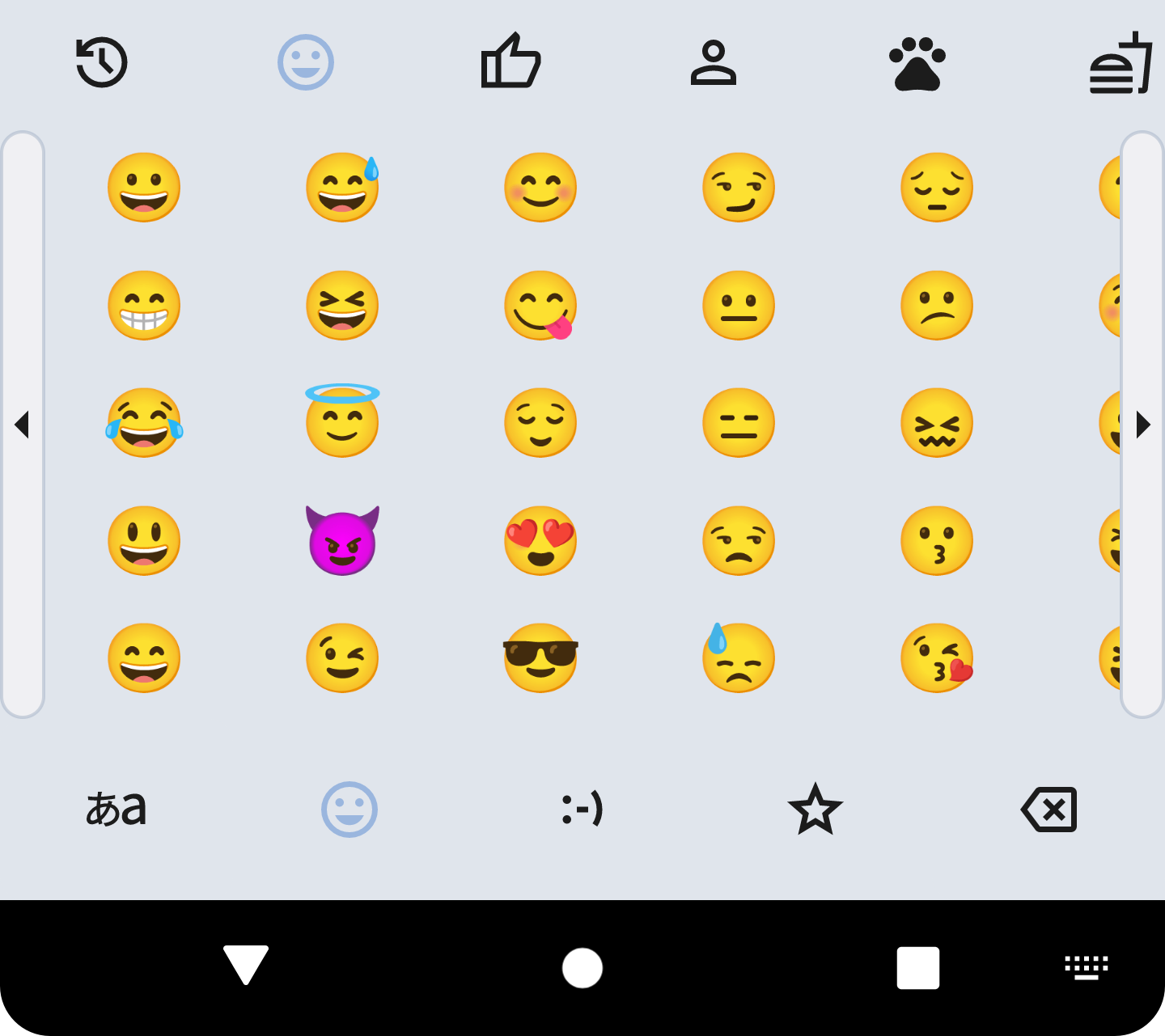
Kana, QWERTY, or a little emoji. Switch between real keyboard screens and find what feels like you.
Explore input methods →A little key play.
A little joy in every word.
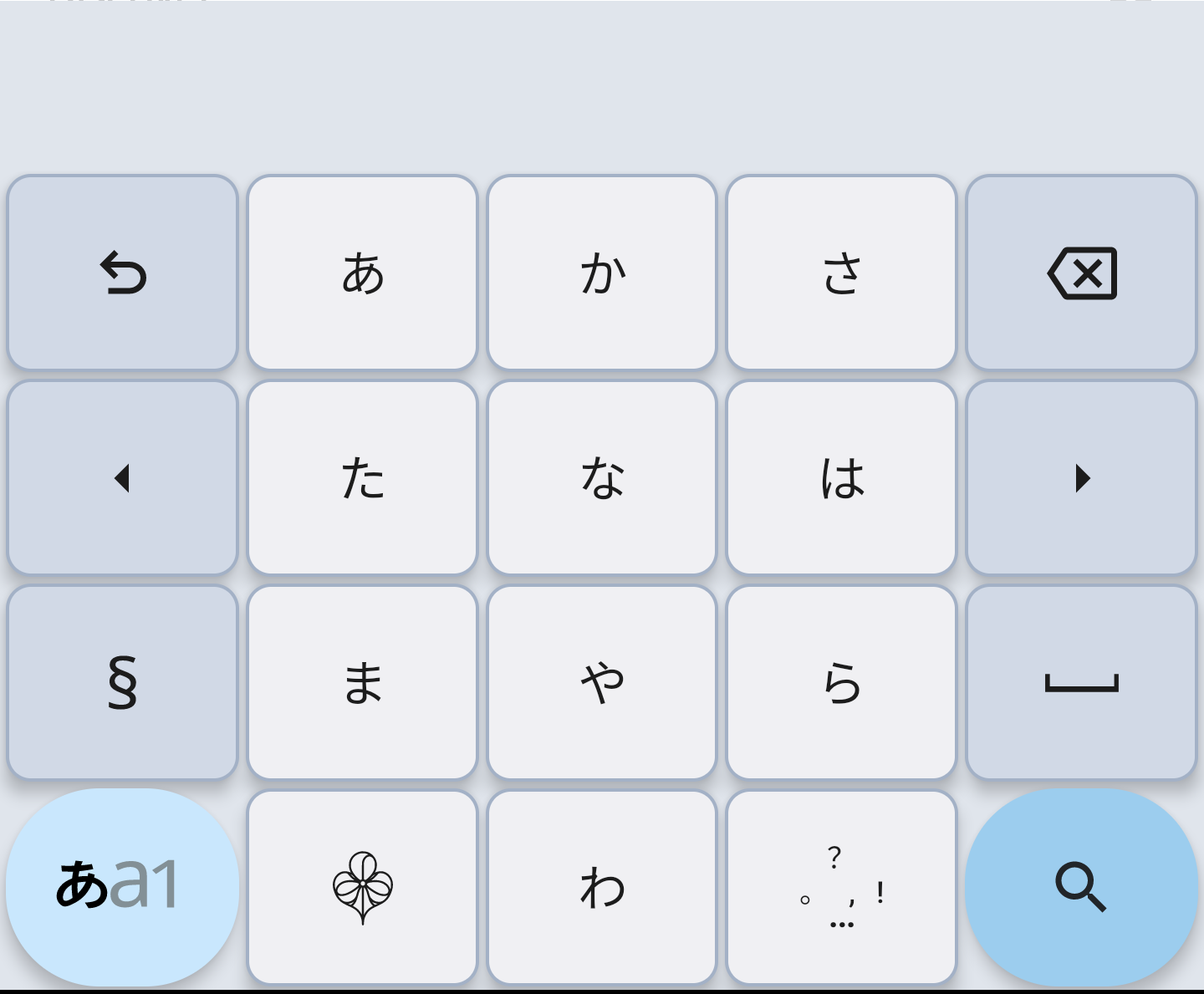
12-key kana input
Core Japanese input works offline. Voice input requirements depend on your device and recognition service.
INPUT, YOUR WAY
From 12-key kana and QWERTY to gojūon and the Sumire layout. Choose a familiar starting point, then adjust the gestures and keys to suit you.
Explore input methods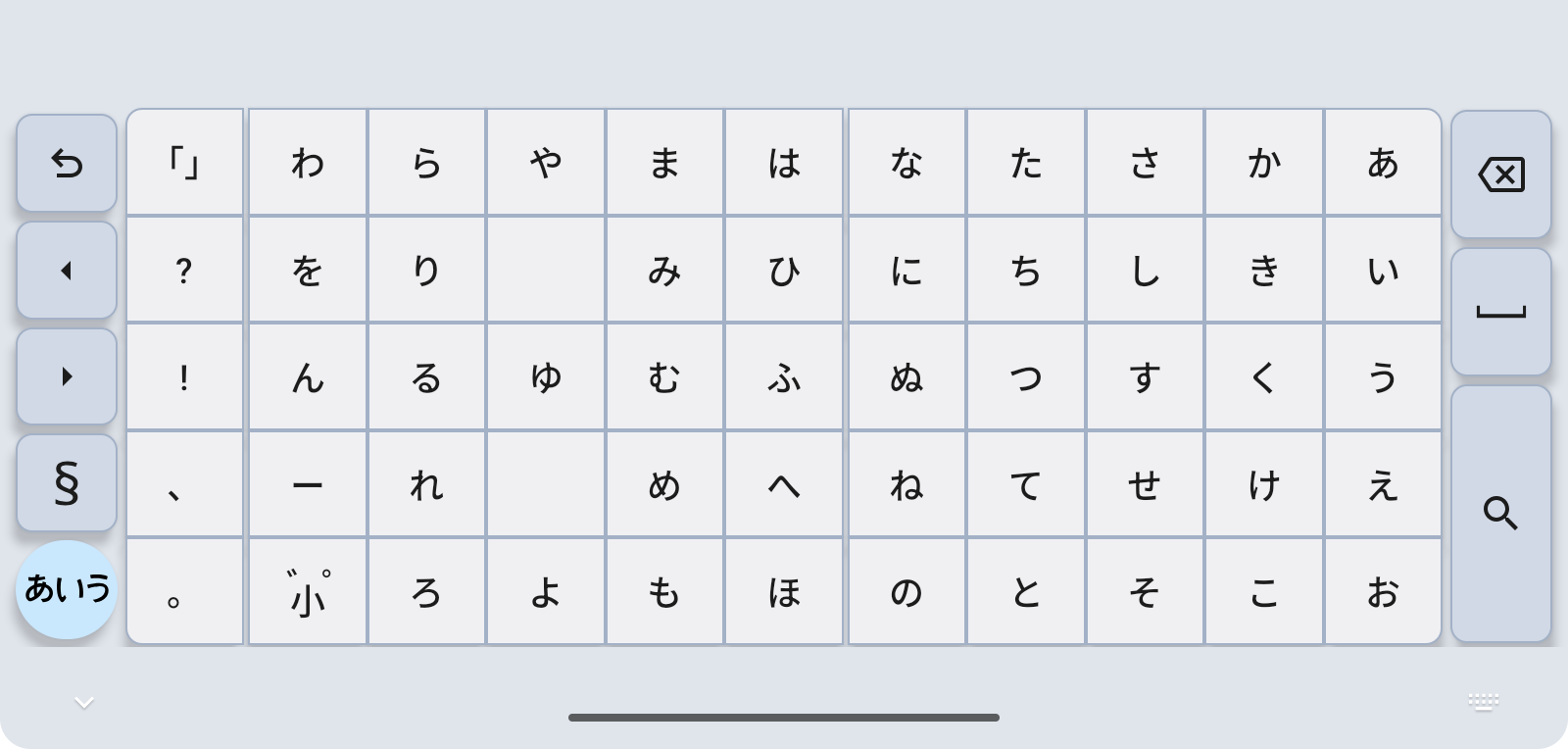
WORDS THAT FIT
Review suggestions as you type and fine-tune each phrase. User dictionaries, learned words, and saved snippets help with the things you write every day.
Explore conversion
MAKE IT YOURS
Choose a theme, adjust key sizes, and tune touch feedback. Make the keyboard you use every day feel a little more like your own.
Explore personalization
MAKE ROOM FOR YOUR WORDS
Full and Lite are available as separate apps.
SUMIRE FULL
Japanese input, plus zenz AI conversion, Gemma translation and actions, and handwriting input.
Additional features and required models depend on your device, settings, and app version.
Get it on Google PlaySUMIRE LITE
Input layouts, dictionaries, and customization for everyday Japanese typing.
Does not include zenz, Gemma, or handwriting input. Also available on F-Droid.